How it works
The first day
From signing up to a record that builds as you go. This is the whole of it, in order.
01
What you need
Nothing you do not already have. An address, whatever documents you kept, and a quiet moment. Whatever is missing can go in later. Harthing is built to be filled in over weeks rather than all at once.
02
Signing in, once
You give an email address and set up how you sign in. If your phone or your laptop offers to use your face or your fingerprint, say yes and you will not need a password again. If you would rather have a password, have one. Either way you can add a second step later from Settings.
03
One address, and it exists
Type the postcode and pick the address. Add a photograph if you have one, because the photograph is what your eye will look for from then on. Say whether it is let or ready to let. If it is let, put in the tenant’s first name and add the tenancy agreement, and the dates are read off it.
04
The part that used to be a weekend
Drag in everything you have for that property: the tenancy agreement, the gas safety record, the EICR, the EPC, last year’s invoices. Harthing reads each one, decides what it is, pulls out the dates and the names and the amounts, and puts a card in front of you saying what it found. You look, you correct anything wrong, you confirm. Nothing is filed on your behalf without you seeing it first.
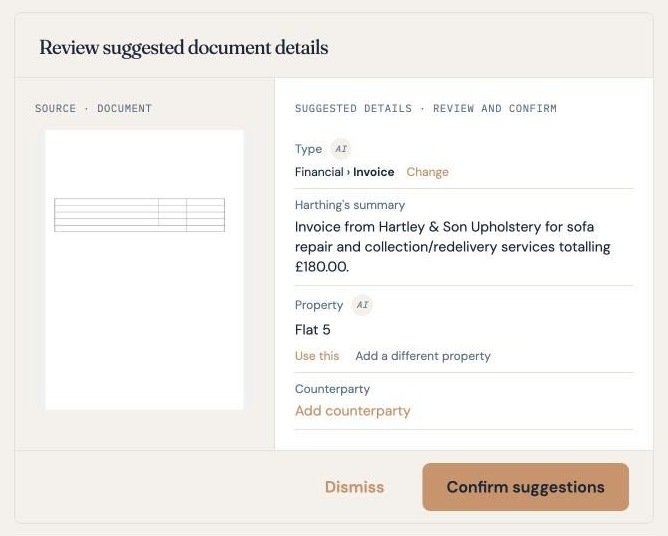
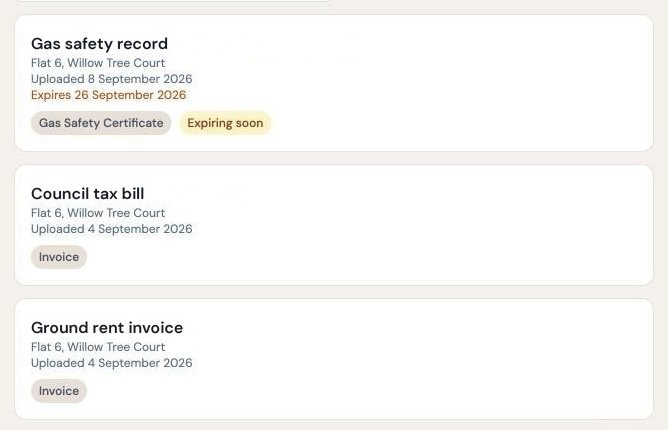
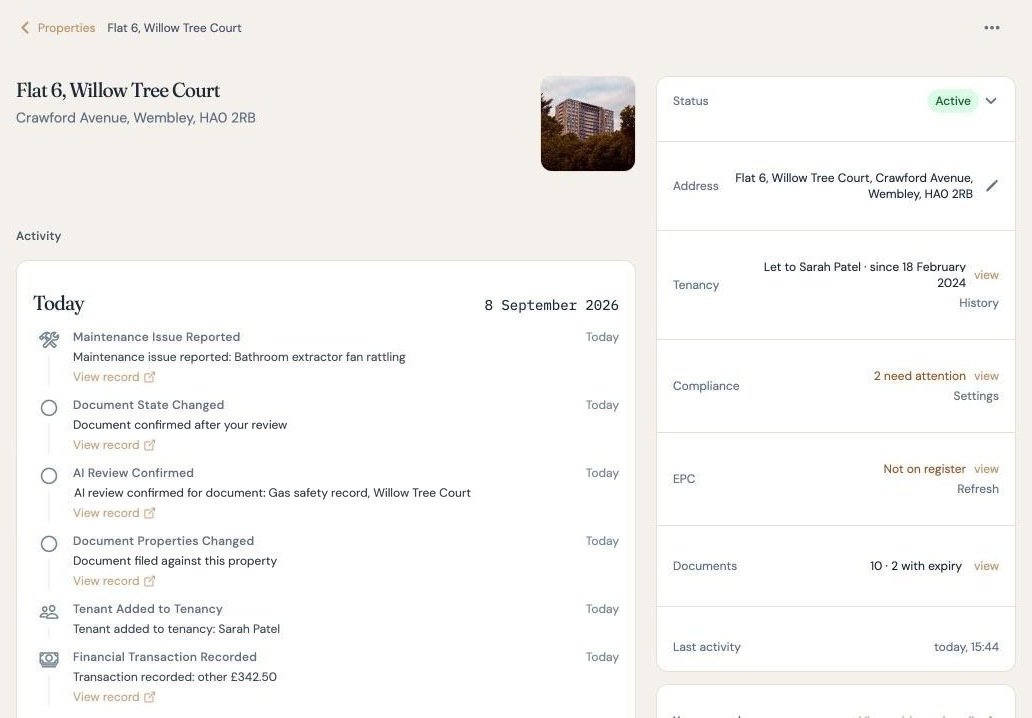
The expiry date is now in the diary, and Harthing tells you before it arrives.
05
Connect your bank
Connect your bank and the rent arriving and the bills leaving come in by themselves, sorted into the categories HMRC uses. The connection reads and nothing else: Harthing can see the transactions and cannot move a penny, and you can disconnect it whenever you like from Settings.
The connection is provided by Yapily Connect Ltd, which is authorised and regulated by the Financial Conduct Authority to do exactly this. Your banking login goes to your bank, not to us. We never see it.
06
At the end of the first sitting
A property, its documents with their expiry dates in the diary, a bank feed, and a record with your name on it. Nothing about your week has changed.
07
When something arrives
Anything that turns up by email can be forwarded to your Harthing address. Send the invoice, the statement or the certificate, and it is read and offered back to you as a document or a transaction to confirm. We match it to you by the address you sent it from, so send it from the email address on your account.
Letters that come through the door go in the same way. Scan one to a PDF and upload it, or forward the scan. Either way it is read, filed against the right property and put in front of you to confirm.
08
When something breaks
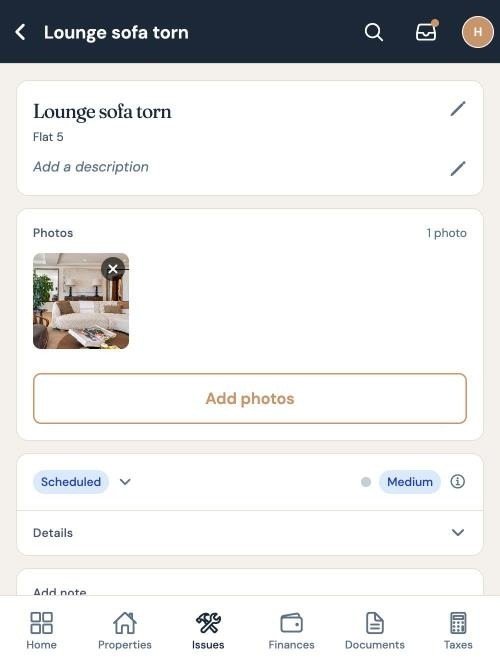
Log it where you are standing, with a photograph. Assign a contractor. Mark it scheduled when a date is agreed, and done when the work is finished. If you decide it does not need doing, you give a reason and that goes on the record as well.
This is not paperwork for its own sake. Under Section 8 a possession case turns on what you can show, and a dated line showing when you acted is evidence you can put in front of a court.
09
7 November
The next quarterly update is due on 7 November 2026. It covers the whole tax year so far, from 6 April, so anything from before you joined needs to go in first. Harthing drafts the update from your records: you open Taxes, look at the figures, connect to HMRC and send it. Your end of year tax return is separate, because it covers all your income and Harthing only sees your property.